Copy2clipboard
Contents
1.ZeroClipboard.js
Click a button to copy a link or a piece of text to the clipboard. Many people must have seen this small function. There is such a function on GitHub that can copy the warehouse address with the click of a button. As shown below:
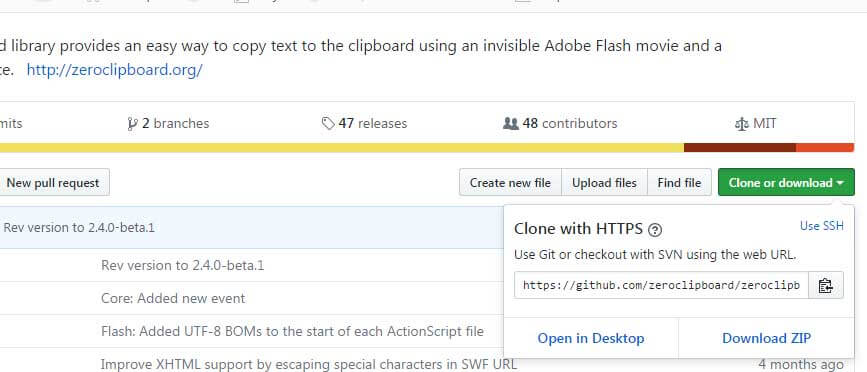
Github uses ZeroClipboard to implement this function. This library uses an invisible Flash to complete the cut and paste operation. That is to say, Flash is made transparent so that we can place it wherever we need to place it, such as links, buttons, etc. In this way, the user interface looks unchanged, and when a link or button is clicked, the click is actually Flash, thus achieving a copy operation. For specific implementation methods, please refer to the official documentation http://zeroclipboard.org.
We know that Flash is declining, and many functions have been replaced by the increasingly powerful HTML5. Moreover, for security reasons, many browsers disable Flash by default. So is there any implementation that is not Flash?
2.clipboard.js
clipboard.js is a more lightweight JavaScript library that does not use Flash, but relies on [Selection](https://developer.mozilla.org/en-US/docs/Web/AP I/Selection) and execCommand these two APIs, and use HTML5 features, such as data-* of custom data Properties. Therefore, clipboard.js is worse than ZeroClipboard.js in terms of compatibility, but modern browsers (IE9+) are basically compatible.
How to use it is very simple:
1)Download the code and introduce it into the file.
- Instantiate a Clipboard object, the parameters can be
CSS selector,HTML node, NodeList object
The parameter is CSS selector:
new Clipboard(’.btn’); // btn is the class name of the DOM element, which is the same as jQuery.
The parameter is HTML node:
var btn = document.getElementById(‘btn’); var clipboard = new Clipboard(btn);
The parameter is NodeList object:
var btns = document.querySelectorAll(‘button’); var clipboard = new Clipboard(btns);
- When instantiating an object, you can set the copied content at the same time:
var clipboard = new Clipboard(’.btn’, { text: function() { return ’to be or not to be’; //Text on the clipboard } });
You can also set the content to be copied through the data-* attribute
Click to copy
<script>
var clipboard = new Clipboard(’.btn’);
Click once to see if it successfully copied to the clipboard:
The value #foo of the data-clipboard-target attribute corresponds to the CSS selector of the target node.
- For more configuration information and usage methods, please check clipboard.js official website. Friends who are interested should take a look at its source code.
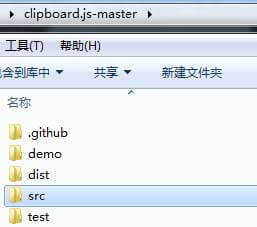
Note that when I said look at the source code, I refer to the code in the src directory.
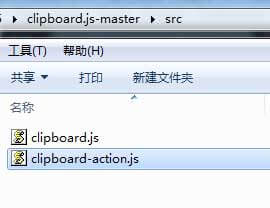
The code looks like this. Yes, this is how ES6 is written.
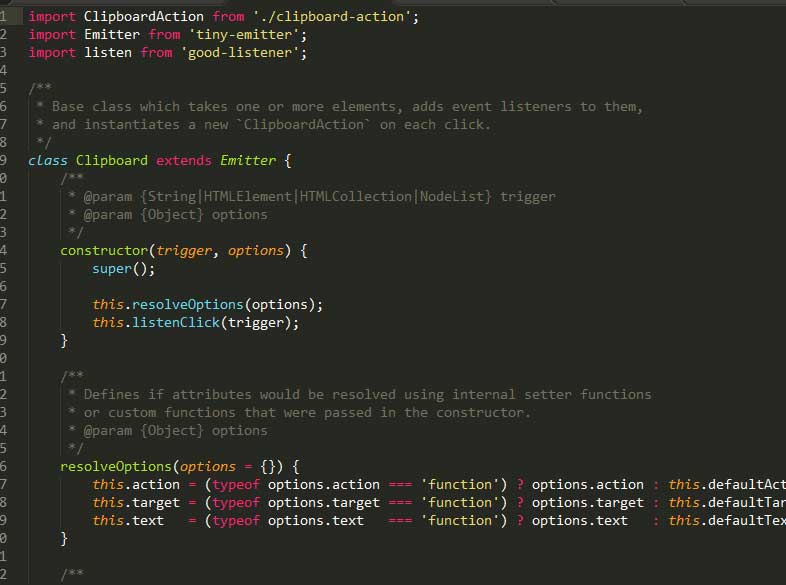
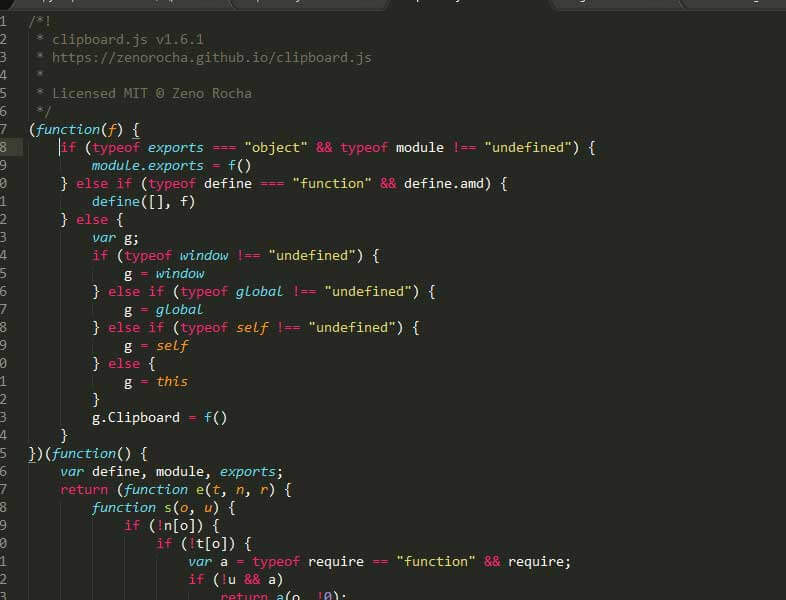
Never look at clipboard.js under dist, that is the compiled code.